> ## Documentation Index
> Fetch the complete documentation index at: https://docs.qonto.com/llms.txt
> Use this file to discover all available pages before exploring further.
# Accessing the Sandbox environment
> Why your Sandbox requests get blocked by OneLogin, and the two ways to bypass it depending on whether you're calling the API programmatically or opening a URL in a browser.
## Why your Sandbox requests get blocked
Our entire **Sandbox / staging** environment — every API host, every web app, every URL it returns to you — is protected and **not directly accessible from the public internet**.
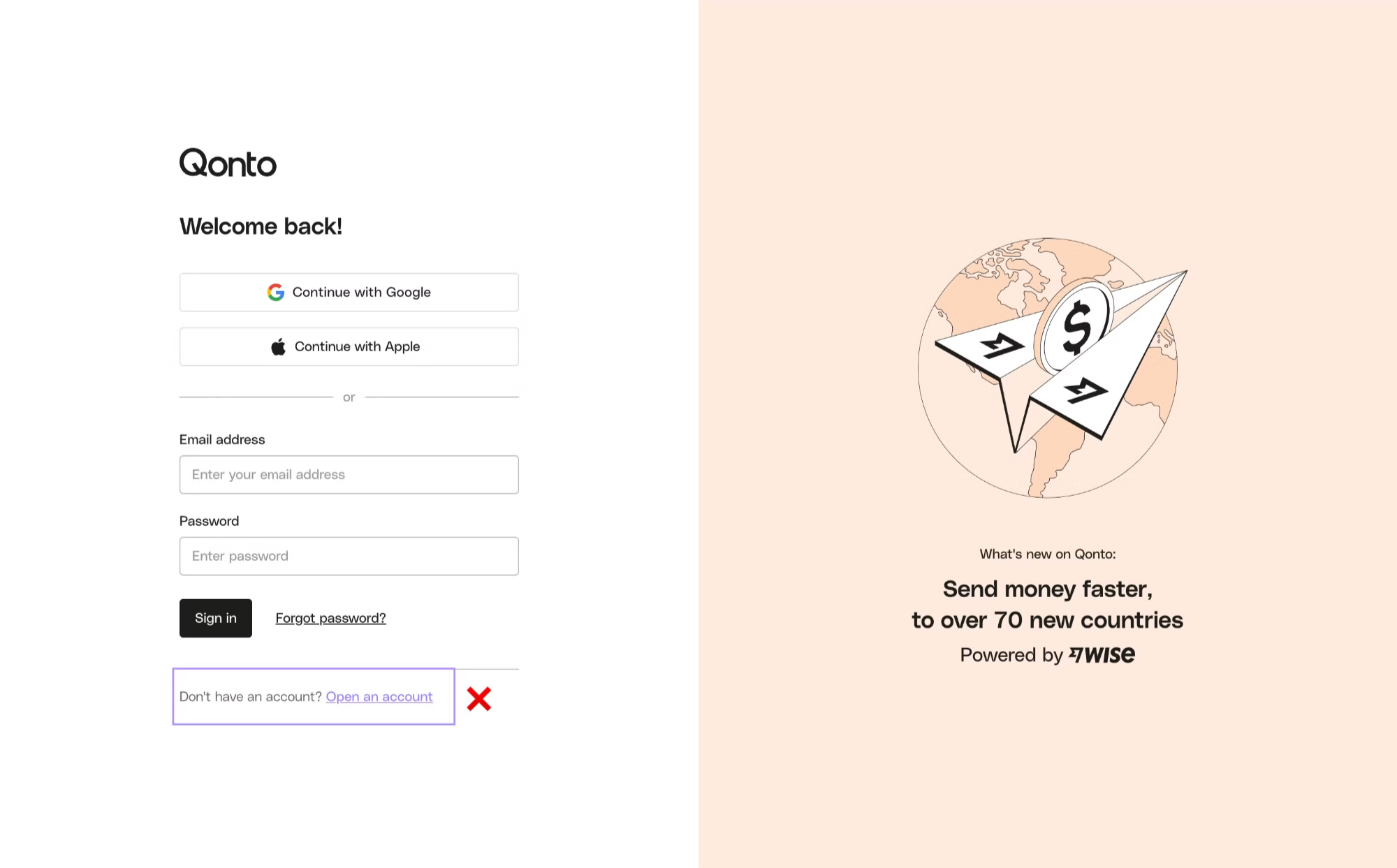
If you try to reach any Sandbox URL without the right credentials, your request hits a [**OneLogin**](https://www.onelogin.com/) sign-in page first. That page is the SSO that protects internal Qonto resources: it is **reserved for Qonto employees**, and external partners cannot sign in through it.
You will see this OneLogin page in two situations:
* The API returns an **HTML response** (the OneLogin login HTML) instead of the JSON you expected — sometimes with a `200` status, sometimes as a `302` redirect to `https://qonto.onelogin.com/login`.
* A URL the API gave you (a `redirection_link` from the [Onboarding API](/get-started/onboarding-api/overview), an attachment URL from the [Business API](/api-reference/business-api/transactions-statements/transactions/list-transactions), etc.) opens a OneLogin page when you click it.
To use the Sandbox, you need to **bypass that OneLogin page**. There are exactly two ways to do it, and they apply to two different situations.
Both bypass mechanisms are **Sandbox-only**. In Production they are unnecessary — and the staging token is not even accepted there.
## Option 1 — Programmatic calls: the `X-Qonto-Staging-Token` header
Use this for any **non-browser** call: cURL, your backend code, your HTTP client library, Postman, etc.
Add the following header on every request you make to a Sandbox endpoint:
| Header | Value |
| ----------------------- | --------------------------- |
| `X-Qonto-Staging-Token` | your personal staging token |
When this header is present and valid, our infrastructure transparently bypasses the OneLogin gate and routes the request to the actual API.
The header name is **case-sensitive on the dash-separated capitalization shown above**: `X-Qonto-Staging-Token`. Lowercase or mixed variants may not be normalized by every layer in the chain.
### Where to find your staging token
Your staging token is available on the [**Developer Portal**](https://developers.qonto.com/), under your application's authentication credentials. It is personal to your application — do not share it.
### Example
```bash theme={null}
curl -X GET 'https://thirdparty-sandbox.staging.qonto.co/v2/bank_accounts' \
-H 'Authorization: Bearer ' \
-H 'X-Qonto-Staging-Token: '
```
The header must be present on **every** Sandbox request, including:
* **OAuth endpoints** (`/oauth2/auth`, `/oauth2/token`) — see [Testing in the Sandbox](/get-started/business-api/authentication/oauth/sandbox)
* **Onboarding API** endpoints — see [Onboarding API authentication](/get-started/onboarding-api/authentication)
* **Webhook subscription** endpoints — see [Test with webhook.site](/api-reference/business-api/webhooks/testing)
* **Embed dispatch** (proxy) endpoints — see [Proxy API requests from the Embed SDK](/api-reference/business-api/endpoints/encoded-requests/introduction)
## Option 2 — Browser calls: log in through the Developer Portal first
Use this whenever a URL must be opened in a **web browser** — typically:
* The `redirection_link` returned by the [Onboarding API](/api-reference/onboarding-api/endpoints/registrations/create-a-registration) when you create a registration. The end-user customer is supposed to follow it to start their account creation.
* Attachment URLs returned by the Business API when you retrieve transactions, supplier invoices, etc. Those URLs point to short-lived signed assets hosted on a Sandbox domain.
* Any other Sandbox URL you need to reach interactively for testing.
You can't add a custom header from a browser address bar, so the staging token approach doesn't apply. Instead, you authorize your browser **once** through the Developer Portal:
Sign in at [https://developers.qonto.com/](https://developers.qonto.com/) with your account.
From the [Developer Portal Toolkit](https://developers.qonto.com/toolkit/), click the **Sandbox web app** link. This opens the Sandbox web app **and** sets a cookie in your browser that authorizes Sandbox domains.
Reuse the same browser (and the same profile) to open the `redirection_link`, attachment URL, or other Sandbox URL. The cookie set in step 2 lets you bypass the OneLogin gate and reach the actual page.
The cookie has a limited lifetime. If a Sandbox URL starts redirecting you to OneLogin again, simply re-click **Sandbox web app** from the Toolkit to refresh it.
The cookie is browser-scoped. If you open the URL in a **different browser**, an **incognito/private window**, or a **different machine**, you will see the OneLogin page again — even if you are already logged in to the Developer Portal in another browser. Click the Sandbox web app link from that browser to authorize it.
## Which option do I need?
| Situation | Use |
| ------------------------------------------------------------------------------------------------------------------------ | ---------------------------------------------------------------------------------------------------------------------------- |
| Calling an API endpoint from your code, a script, cURL, Postman, etc. | [Option 1 — `X-Qonto-Staging-Token` header](#option-1-programmatic-calls-the-x-qonto-staging-token-header) |
| Opening a URL returned by the API (e.g. an Onboarding `redirection_link`, an attachment URL) in a browser | [Option 2 — Developer Portal cookie](#option-2-browser-calls-log-in-through-the-developer-portal-first) |
| Receiving and reading an HTML OneLogin page in your code | You sent an API call without the staging token. Add the header (Option 1). |
| Building a flow where **your end-user** (e.g. your customer in Sandbox) needs to open a Sandbox URL in their own browser | They need to follow Option 2 from their own browser, or you need to test the flow yourself in the Sandbox before going live. |
## Troubleshooting
You forgot the `X-Qonto-Staging-Token` header, or the value is wrong. See [Option 1](#option-1-programmatic-calls-the-x-qonto-staging-token-header).
Your browser is missing the Developer Portal cookie. Follow [Option 2](#option-2-browser-calls-log-in-through-the-developer-portal-first), then re-open the link in the **same** browser.
Cookies don't cross browsers or profiles. Click **Sandbox web app** from the Developer Portal Toolkit in whichever browser you actually want to use.
No. The `X-Qonto-Staging-Token` header is **Sandbox only**. Production endpoints don't accept it. See [Developer guidelines — Release your integration](/get-started/general/developer-guidelines).