

Why your Sandbox requests get blocked
Our entire Sandbox / staging environment — every API host, every web app, every URL it returns to you — is protected and not directly accessible from the public internet. If you try to reach any Sandbox URL without the right credentials, your request hits a OneLogin sign-in page first. That page is the SSO that protects internal Qonto resources: it is reserved for Qonto employees, and external partners cannot sign in through it. You will see this OneLogin page in two situations:- The API returns an HTML response (the OneLogin login HTML) instead of the JSON you expected — sometimes with a
200status, sometimes as a302redirect tohttps://qonto.onelogin.com/login. - A URL the API gave you (a
redirection_linkfrom the Onboarding API, an attachment URL from the Business API, etc.) opens a OneLogin page when you click it.
Option 1 — Programmatic calls: the X-Qonto-Staging-Token header
Use this for any non-browser call: cURL, your backend code, your HTTP client library, Postman, etc.
Add the following header on every request you make to a Sandbox endpoint:
When this header is present and valid, our infrastructure transparently bypasses the OneLogin gate and routes the request to the actual API.
The header name is case-sensitive on the dash-separated capitalization shown above:
X-Qonto-Staging-Token. Lowercase or mixed variants may not be normalized by every layer in the chain.Where to find your staging token
Your staging token is available on the Developer Portal, under your application’s authentication credentials. It is personal to your application — do not share it.Example
- OAuth endpoints (
/oauth2/auth,/oauth2/token) — see Testing in the Sandbox - Onboarding API endpoints — see Onboarding API authentication
- Webhook subscription endpoints — see Test with webhook.site
- Embed dispatch (proxy) endpoints — see Proxy API requests from the Embed SDK
Option 2 — Browser calls: log in through the Developer Portal first
Use this whenever a URL must be opened in a web browser — typically:- The
redirection_linkreturned by the Onboarding API when you create a registration. The end-user customer is supposed to follow it to start their account creation. - Attachment URLs returned by the Business API when you retrieve transactions, supplier invoices, etc. Those URLs point to short-lived signed assets hosted on a Sandbox domain.
- Any other Sandbox URL you need to reach interactively for testing.
1
Log in to the Developer Portal
Sign in at https://developers.qonto.com/ with your account.
2
Click "Sandbox web app" from the Toolkit
From the Developer Portal Toolkit, click the Sandbox web app link. This opens the Sandbox web app and sets a cookie in your browser that authorizes Sandbox domains.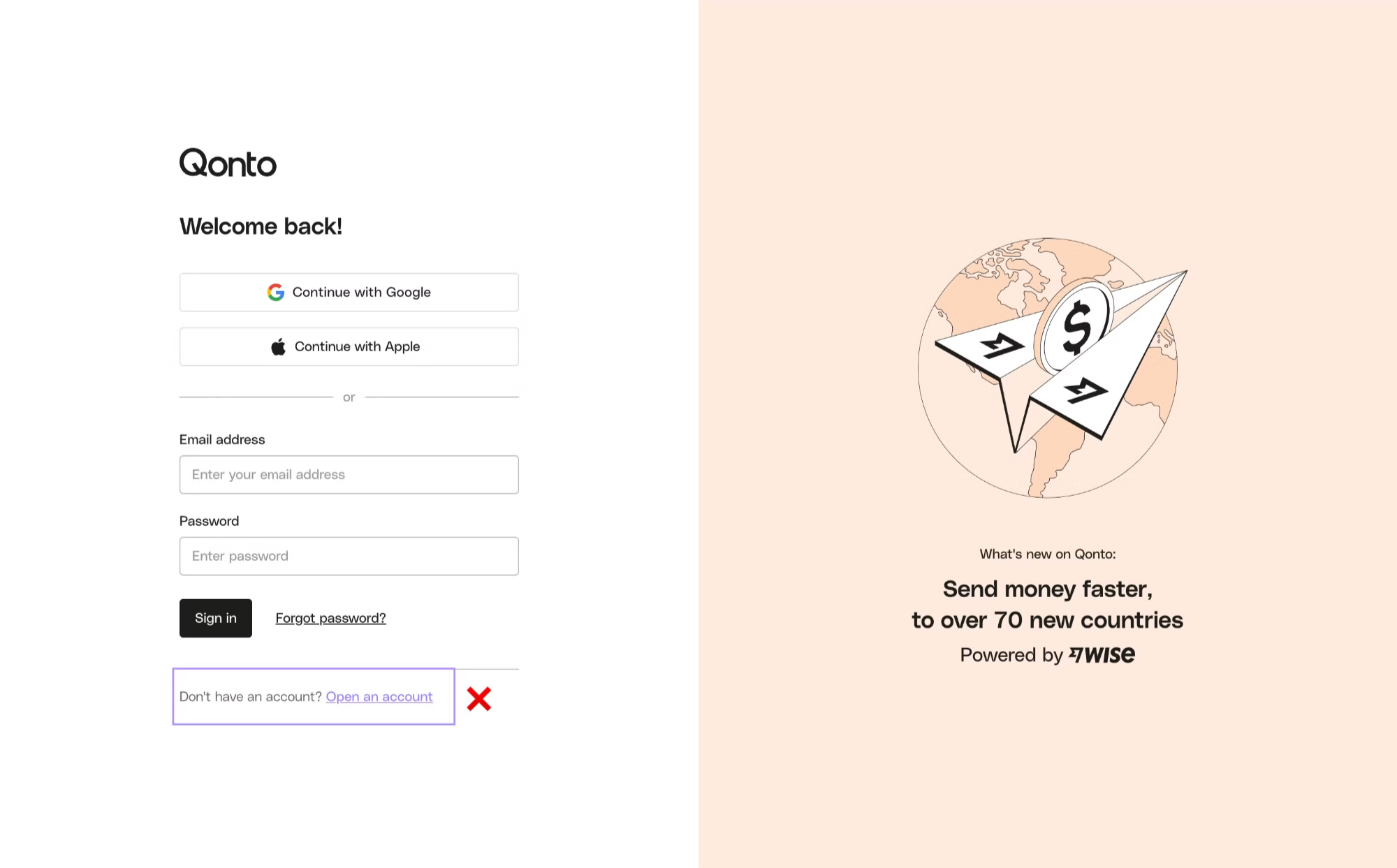
3
Open your Sandbox URL in the same browser
Reuse the same browser (and the same profile) to open the
redirection_link, attachment URL, or other Sandbox URL. The cookie set in step 2 lets you bypass the OneLogin gate and reach the actual page.Which option do I need?
Troubleshooting
My API call returns HTML / a 302 to qonto.onelogin.com
My API call returns HTML / a 302 to qonto.onelogin.com
You forgot the
X-Qonto-Staging-Token header, or the value is wrong. See Option 1.The Onboarding redirection_link sends my browser to OneLogin
The Onboarding redirection_link sends my browser to OneLogin
Your browser is missing the Developer Portal cookie. Follow Option 2, then re-open the link in the same browser.
It works in Chrome but not in Firefox / not in incognito
It works in Chrome but not in Firefox / not in incognito
Cookies don’t cross browsers or profiles. Click Sandbox web app from the Developer Portal Toolkit in whichever browser you actually want to use.
Production calls — do I still need the staging token?
Production calls — do I still need the staging token?
No. The
X-Qonto-Staging-Token header is Sandbox only. Production endpoints don’t accept it. See Developer guidelines — Release your integration.