New Webhook: Client Invoices (Real-Time, No Babysitting)
If you’re building invoicing or accounting workflows, you know the pain: invoices change, your system doesn’t notice, and suddenly you’re “debugging” at 6pm. Not anymore. You can now subscribe to Client Invoice webhooks to receive real-time notifications when invoices are created or updated—perfect for automating workflows and keeping everything aligned across your product and Qonto.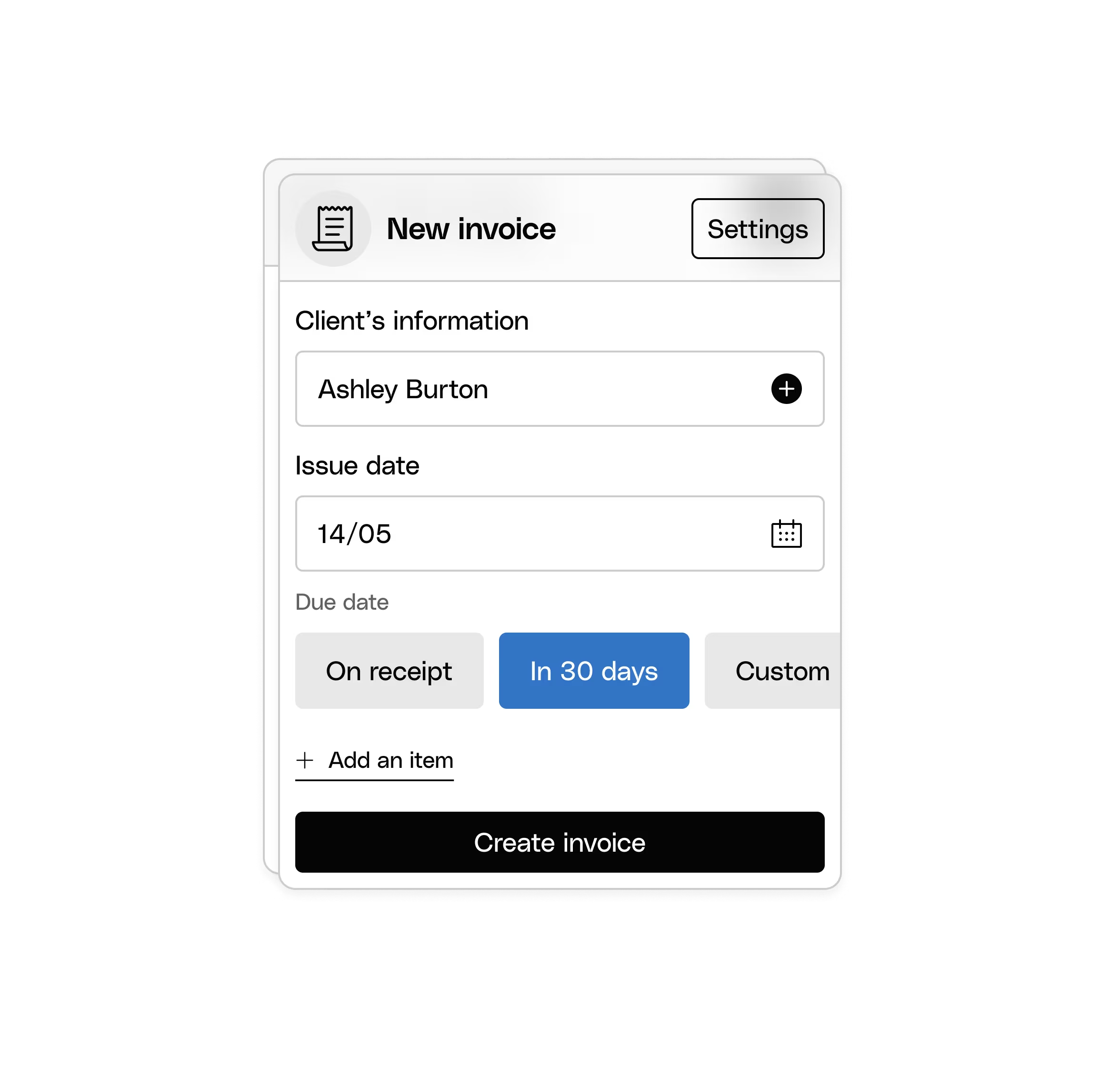
UI Elements: More Power, Less DIY
We’ve been quietly turning “complex banking flows” into “call a function and move on with your life.” January came with three big upgrades.SEPA Transfer Creation UI Element (now fully loaded)
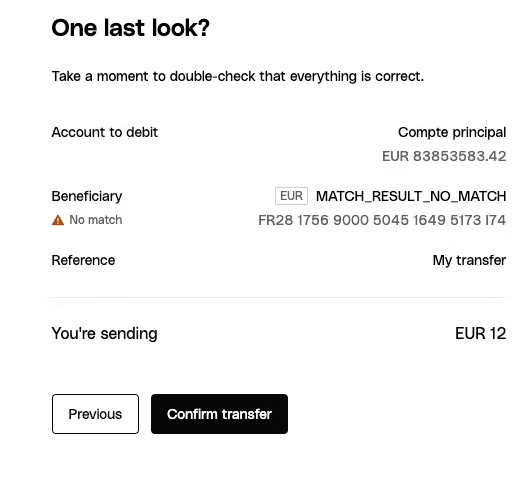
This is the one you’ve been waiting for: a ready-to-use SEPA Transfer Creation component with a complete multi-step flow. It includes:- Beneficiary selection (because typing IBANs manually is so 2014)
- Verification of Payee (VoP) checks (hello, safer transfers)
- Built-in Strong Customer Authentication (SCA) (yes, handled)
New UI Element: Transaction List
Need to show transaction history in a clean, professional table—without building pagination, fetching, loading states, and user interactions from scratch? Meet the Transaction List UI Element. It displays a paginated transaction history and handles the heavy lifting automatically.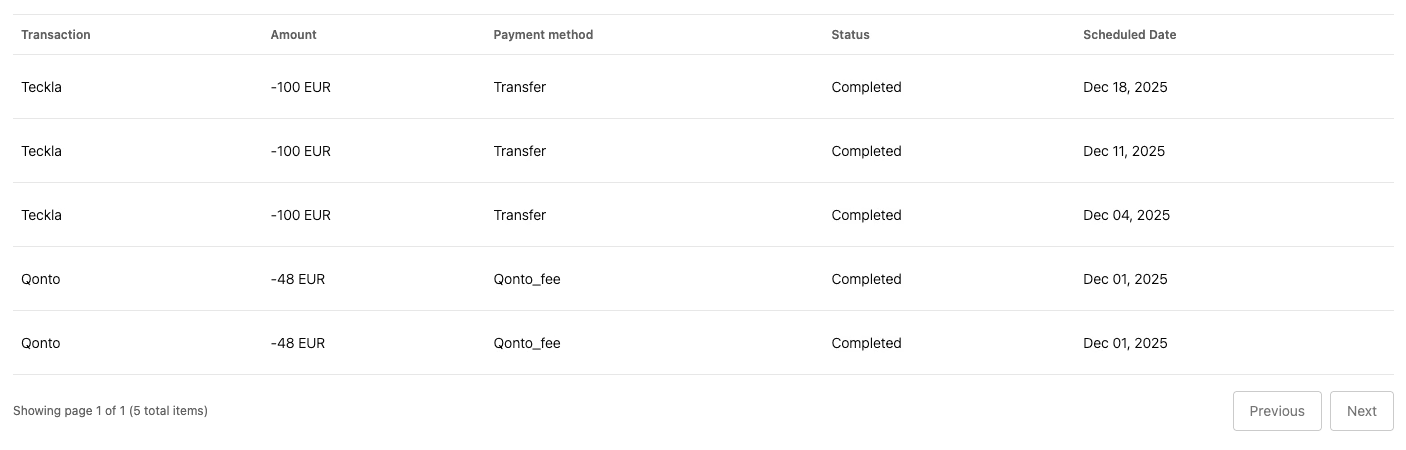
CSS Customization: Make It Look Like You
UI Elements are only “embedded” if they actually look native in your product. Good news: all UI Elements can now be fully customized using CSS custom properties, so you can match your brand identity without fighting the component.