

How Mollie is powering their app with Qonto Embed
Imagine giving your users seamless access to business banking—right inside your own platform. That’s exactly what Mollie achieved by integrating Qonto’s business banking features directly into their app, in just three months.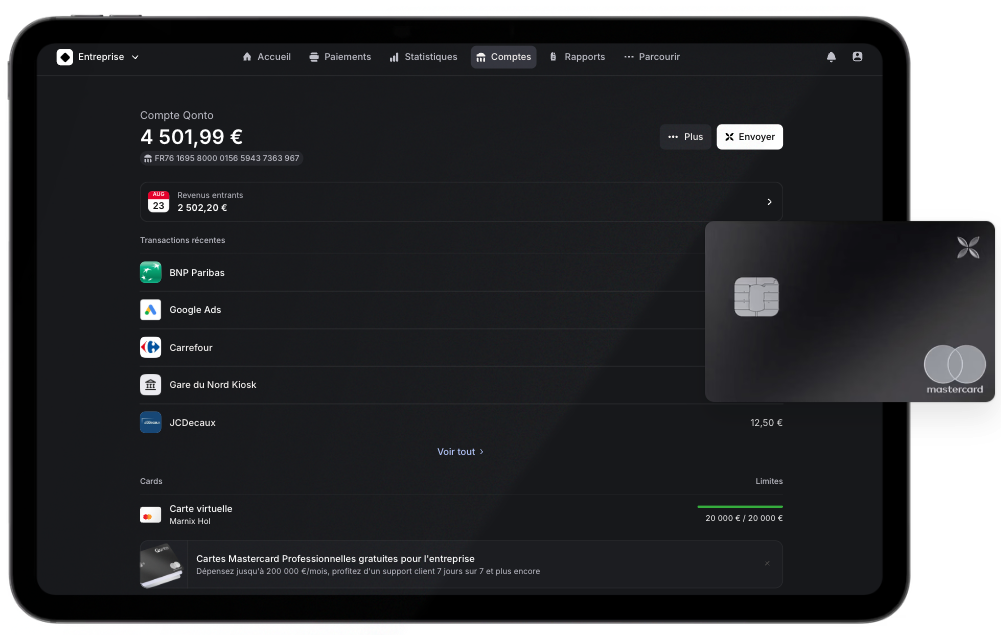
- Effortless Onboarding Integrated, step-by-step account setup—users can create or connect a Qonto account without ever leaving Mollie.
- Centralized Insights Instantly display Qonto balances, IBAN, transaction history, and card fleet—all in one place for total financial visibility.
- Intuitive Payment Flows Modern, user-friendly payment initiation, with a smooth redirection to Qonto for secure completion.
- Faster Payouts With 365 pay-out, Mollie customers receive their funds quicker and manage cash flow with greater efficiency.
Brand new range of SDK features
We mentioned this in the July edition, and let’s remind it again for non-tech folks! An SDK (Software Development Kit) is basically a complete package of ready-to-use building blocks - think libraries, code samples, UI components, and documentation - that developers can use instead of building everything from scratch. Each new SDK feature we ship expands what’s possible with Qonto Embed, giving our partners access to more powerful banking features.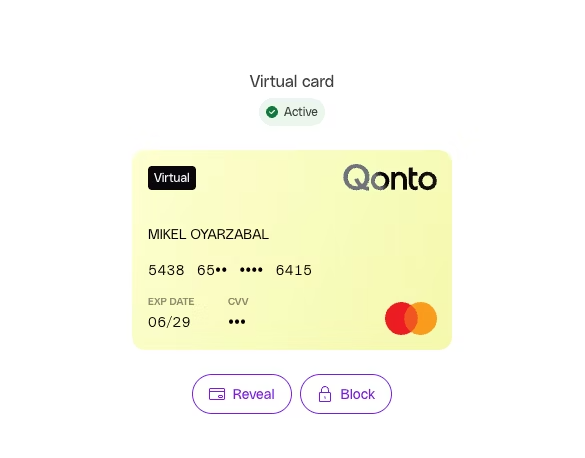
- Customizable display card iframe: You can now customize the look and feel of the card information displayed via the Embed SDK, ensuring the UI matches your brand on your website.
- Payment link creation flow: This flow is now available as a multistep process you can trigger by calling an SDK function. This will redirect your users to Qonto’s payment link creation flow and return them to your website once completed.
- Support for transactions: It is now possible to retrieve all transactions, or a specific transaction by its ID, using the SDK.
Stay in sync: new card & account update webhooks
We’re making it even easier to keep your systems up-to-date. What’s new:- New card update webhook: Get notified in real-time whenever there’s a change to one of your cards (activation, suspension, limit update, etc.).
- New account update webhook: Instantly receive updates when something changes on your accounts (balance, status, etc.).