Need the OAuth scope required for each endpoint? Check the endpoints access table.
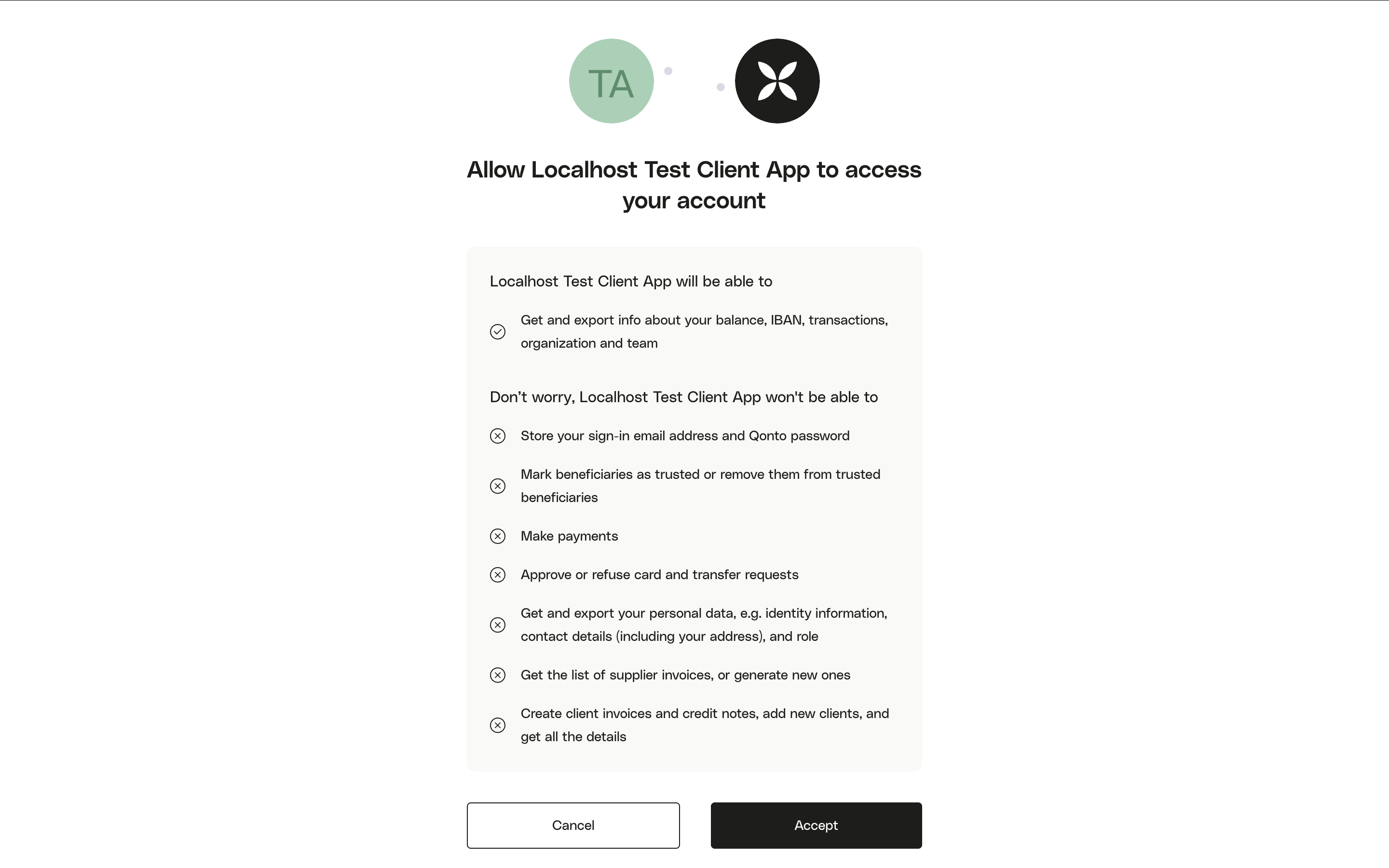
OAuth scopes define what your application is allowed to do on behalf of a Qonto user. When a user connects their account, they see a consent screen listing the exact permissions your application is requesting. Only request the scopes you actually need.
Building a new integration? Before selecting scopes, make sure you’ve chosen the right use case for your application. If your integration uses sensitive scopes, check the approval requirements by use case before going to production.
organization.read is one of the most commonly requested scopes, but also the most broad. Before requesting it, consider whether a narrower scope covers your actual need:
If you need to…
Use this scope instead
Download supplier or client invoice PDFs
attachment.read — see workaround below
Read a user’s personal identity and role
membership.read
List all members of an organization
organization.read is required — membership.read only retrieves the authenticated user’s own membership
List transactions
organization.read is required
Access balances or IBANs
organization.read is required
Check the organization’s current subscription plan
Do you need beneficiary.trust or payment.write for beneficiary management?
These two scopes cover different sides of SEPA beneficiary trust management and are often needed together:
If you need to…
Use this scope
Mark a beneficiary as trusted (to enable automated transfers without SCA)
beneficiary.trust — Embed partners only
Untrust a beneficiary
payment.write
Both trust and untrust beneficiaries
Request both scopes
Trusting a beneficiary lets your integration initiate transfers to that beneficiary without requiring SCA on every transaction. The actual transfer still requires payment.write.
If your only requirement is downloading supplier or client invoice PDFs, you can avoid the sensitive organization.read scope entirely by using attachment.read.How it works:
Call GET /v2/attachments/{id} using the attachment.read scope.
The response includes a pre-signed url you can use to download the PDF directly.
This approach only works when fetching invoice PDFs is your sole need. If you also need transaction data, account balances, or organization details, organization.read is still required.
For client invoices in Factur-X format, the PDF may need to be regenerated before download. If the url is not immediately available in the response, retry the request after a short delay. Learn more
Consent messages shown in the table below are displayed to Qonto users on the consent screen during the OAuth authorization flow. Scopes marked NA in the consent message column do not display a permission entry on the consent screen.
Scope
Consent message
Endpoints
organization.read Sensitive
Get and export info about your balance, IBAN, transactions, organization and team
Remove beneficiaries from trusted beneficiaries Make payments to trusted beneficiaries Make payments to any beneficiary (requiring identity verification from the phone you’ve paired with Qonto)